Catalog
Before you install a package or upgrade it, you want to know what it brings with it: which APIs it introduces, what their schemas look like, and which control planes already depend on it. That information lives inside the package image, not on your control planes. Catalog indexes the package images your fleet uses, so you can search them, read the schemas of the APIs they introduce, and see where each one runs, without installing anything.
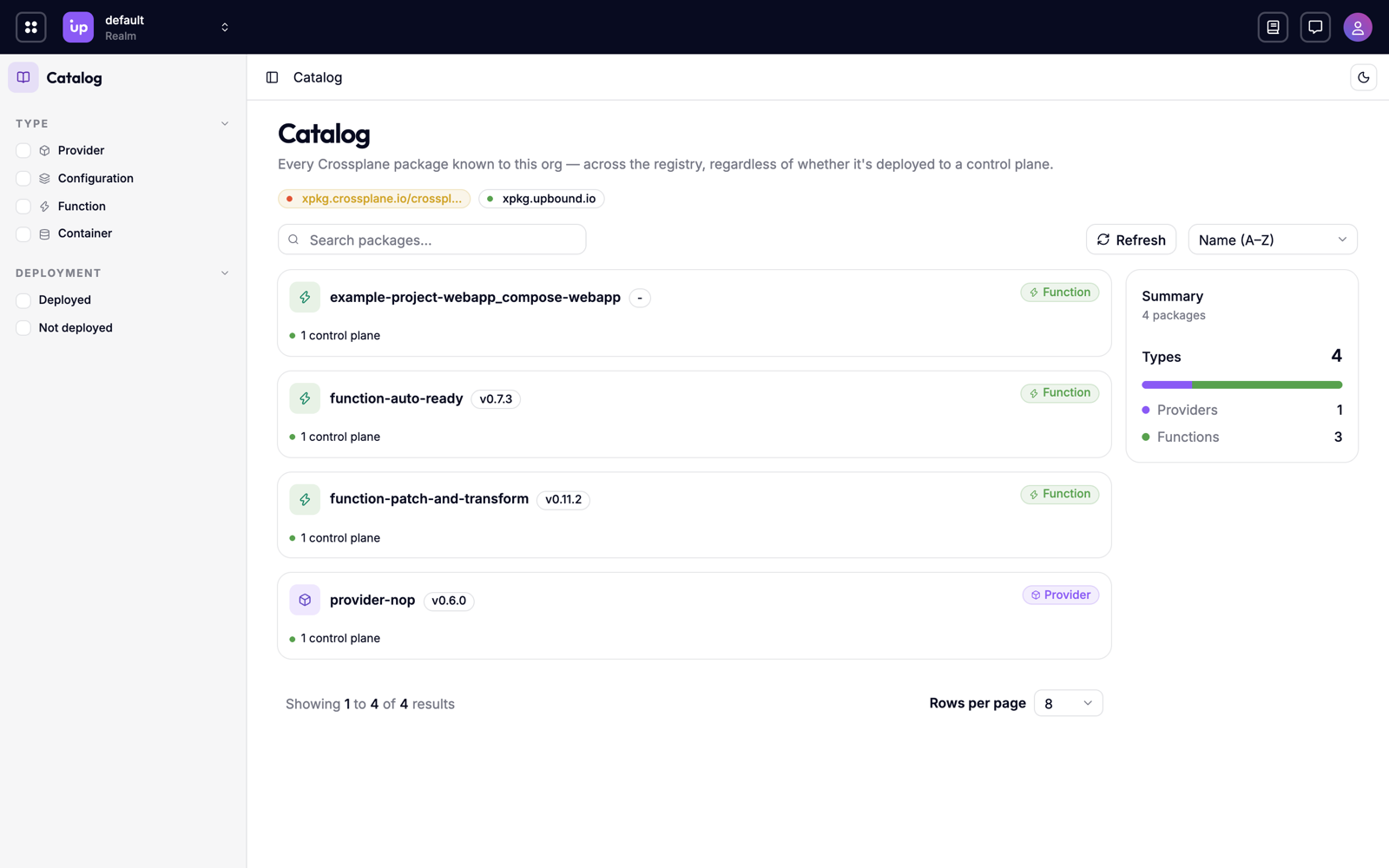
What you can do
- Find the package that provides an API. Search for a kind, such as
Bucket, and find every package that introduces it. - Read an API's schema before you install it. See the schema of every API a package introduces, from the package image itself.
- See where a package runs. Find the control planes that install a package and how many resources use each of its APIs.
- Find packages nobody uses. Narrow the catalog to packages that no control plane you can see has deployed.
- Index your own registries. Connect Hub to private or air-gapped registries so it can read the packages you publish there.
How Catalog works
When a connected control plane installs a Crossplane package, Hub adds the package image to the catalog. Hub then pulls the image from its registry and reads what's inside it: the package's metadata and the APIs it introduces, with their schemas. Hub calls this step enrichment.
Each entry in the catalog is one image, identified by its digest. Two control planes that install the same version of a package share one entry. Catalog then links each image to the control planes that install it, and counts the resources that use each of its APIs.
Catalog's counts of control planes and resources only cover what you have permission to read. See Access-scoped results.
Catalog and Packages
Packages shows which package versions each control plane declares. Catalog shows what's inside those packages. Use Packages to track versions across your fleet, and Catalog to understand what a package version brings.
Registries
To read package images from a registry that needs credentials, your team adds a connection to the registry in a realm. A connection holds the registry's host and the credentials Hub uses to pull from it. A realm's connections only pull images for control planes in that realm.
Hub can also scan a registry repository for new tags, so packages appear in the catalog before any control plane installs them. See Connect a registry.
Requirements and limits
Catalog is an alpha feature. Its API may change in incompatible ways between releases. See the feature lifecycle. It's off by default. Turn it on with the Catalog feature flag.
- Catalog only indexes a package when its package object is created on a control plane after your platform team turns on Catalog. Packages installed before then don't appear until their package object is created again.
- Connections need the
Registryfeature flag, and repository scans need theRegistryScanfeature flag. Both are alpha and off by default. See Feature flags.